Opening the office…

WOON TAK YUH, MD · THE ACADEMIC OFFICE

Front.

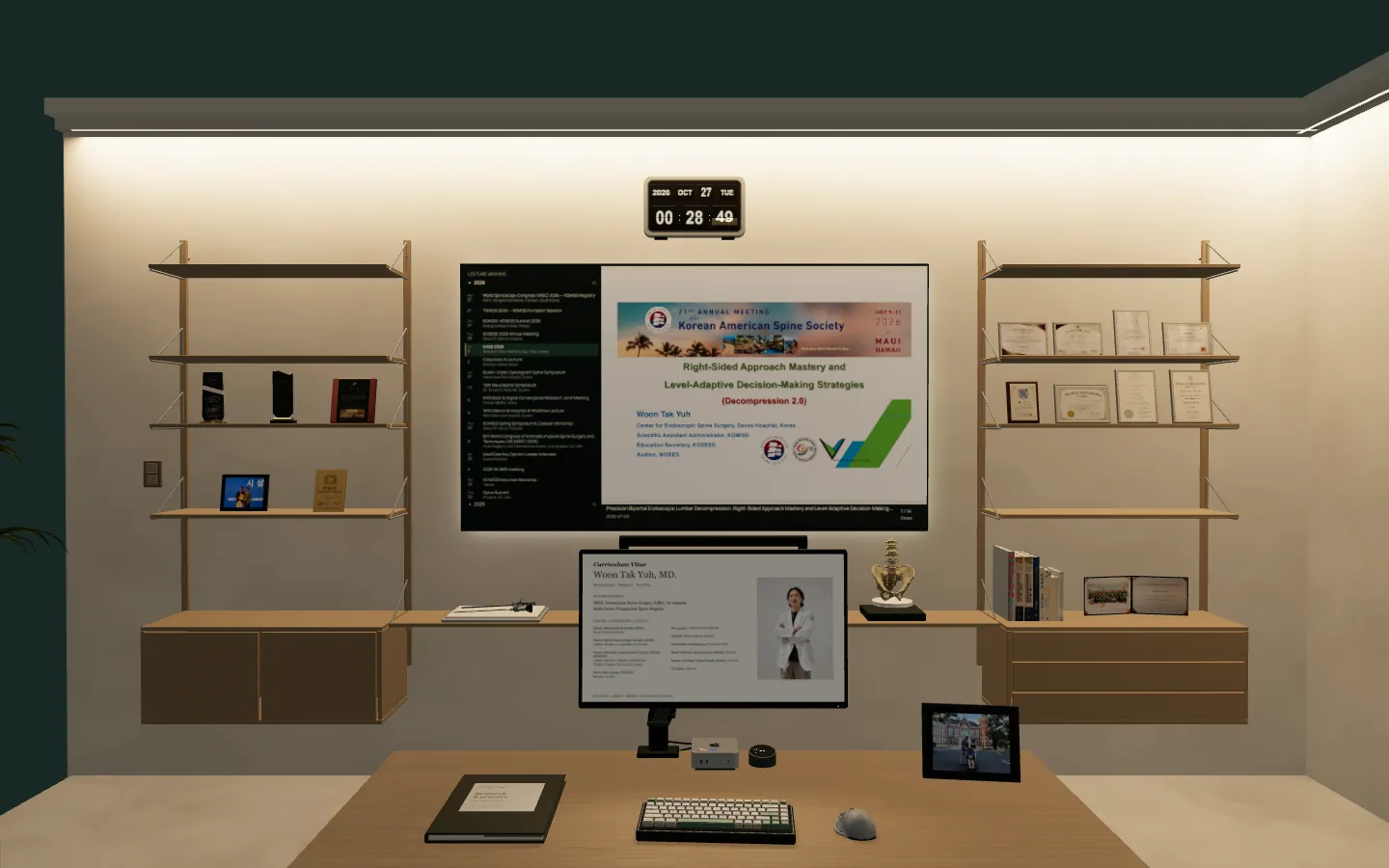
Focus the scene: arrow keys pan, and plus or minus zoom. Drag to rotate. Click an object to approach, then click again to open. Double-click a room surface to zoom further; use X, Escape or Overview to return. Right-drag or Shift-drag also pans. Touch: one finger rotates; two fingers pan or pinch to zoom.